
Honeycomb Alpha vs Logitech G Pro Flight Yoke: Which Sim Yoke to Buy
Honeycomb Alpha vs Logitech G Pro Flight Yoke System compared: rotation, build, switch panel, included throttle, platform, warranty and the full-setup cost of each.
Affiliate disclosure: product links on this page go to Amazon or to the maker's own store. As an Amazon Associate we earn from qualifying purchases, at no extra cost to you; links to makers' own stores earn us nothing. No retailer or brand sees our picks before they are published or has any say in them. How we choose.
Buy the Honeycomb Alpha if you want the better yoke: Honeycomb lists 180 degrees of rotation on a solid steel shaft with dual linear ball bearings, damped self-centering, and a switch panel with master, alternator, avionics, light switches and a five-position ignition switch, at $299.99. Buy the Logitech G Pro Flight Yoke System if you want the cheapest complete start: it includes a throttle quadrant and two desk clamps in the box, has a stainless steel shaft and a two-year warranty, and is sold by Amazon (per the listing).
The real comparison is the full setup. The Honeycomb needs a throttle (Honeycomb's Bravo, or another) to fly properly; the Logitech already has one.
Side by side
| Honeycomb Alpha | Logitech G Pro Flight Yoke System | |
|---|---|---|
| Maker price | $299.99 (Honeycomb) | See retailer |
| Rotation | 180 degrees | See Logitech |
| Shaft | Solid steel, dual linear ball bearings | Stainless steel |
| Centering | Damped, self-centering, minimal dead zone | Self-centering |
| Switches | Switch panel: master, alternator, avionics, lights, 5-position ignition; red LED backlight | POV hat, 14 buttons, 3-position mode switch |
| Throttle | Not included | Throttle quadrant included |
| Mounting | Two clamps or a micro-suction pad | Two desk clamps |
| Platforms | PC and Mac (XPC version for Xbox) | Windows PC |
| Warranty | 2-year limited (Honeycomb) | 2 years (per the listing) |
Feel and build
Honeycomb's steel shaft runs on dual linear ball bearings with damped self-centering and, per the listing, no center detent. The Logitech uses a stainless steel shaft too, but it is an older design. If you fly hand-flown approaches in the sim, the Honeycomb's smoother centering is the main reason to pay more.
Switches and realism
The Alpha's switch panel lets you run a real start flow: master, alternator, avionics, lights and a five-position ignition switch, backlit in red for night. The Logitech puts its controls on the yoke (POV hat, 14 buttons, a three-position mode switch that multiplies the programmable functions) and relies on the throttle quadrant for power.
Setup and software
Both clamp to a desk, and both need a flat, rigid surface with enough clamp contact; Honeycomb also offers a micro-suction pad for thick tabletops. Honeycomb's Alpha LITE listing gives setup advice that applies to the full Alpha as well: calibrate in Windows and in your simulator if the input is off-center, and route the coiled cable so it does not pull on the yoke. Logitech's listing says its yoke system works with Windows and needs an optional software download for use with Microsoft Flight Simulator, FSX, X-Plane 10 and Prepar3D, so plan on installing that before your first flight.
Whichever you buy, set up axis sensitivity in the simulator rather than accepting defaults: a slightly softer curve near center makes small pitch corrections in cruise easier on any desk yoke.
What each maker's own page adds
Honeycomb's page lists the Alpha for PC and Mac, at 4.769 kg (10.51 lb), with a two-year limited warranty. It counts the controls on the handles: an 8-way hat, vertical and horizontal two-way rocker switches, three buttons and a push-to-talk button, beside the panel's master, alternator, avionics and light switches and the five-position ignition.
Logitech's page describes five axes in all, a stainless steel elevator and aileron shaft on precision bearings, and 25 fully programmable buttons and switch positions across the yoke and quadrant. Every yoke system includes one throttle quadrant; its levers are programmable and detachable, and extra quadrants are sold separately for multi-engine airplanes. Both units have clamps that mount on top of the desk or on its front edge. Logitech offers its drivers and programming software as a download for assigning those buttons and switch positions.
Counting the controls
| Control | Honeycomb Alpha | Logitech Flight Yoke System |
|---|---|---|
| Flight axes | Pitch and roll | Pitch and roll, plus three quadrant levers (five axes in all) |
| Hat switch | 8-way | POV hat |
| Buttons on the yoke | Three, two rockers and push-to-talk on the handles | 14, with a three-position mode switch |
| Aircraft switches | Master, alternator, avionics, lights, ignition | None |
| Throttle | None | Three detachable levers |
Logitech's mode switch has three positions, so each button can carry three assignments (our arithmetic). The Alpha's switches do one job each, the one printed beside them, which is closer to how a trainer's panel works.
Growing the setup later
The two grow in different directions. A Logitech setup adds quadrants: a second one gives a twin its own throttle, propeller and mixture levers. A Honeycomb setup adds the Bravo quadrant, with autopilot buttons, a trim wheel, gear and flap levers and an annunciator panel, and the Charlie pedals, which Honeycomb lists with Hall effect sensors and the same two-year limited warranty. On a PC the brands can be mixed, since each unit is its own USB device; our rudder pedal guide covers the pedals from both makers.
Which fits which desk
The Alpha is the heavier unit at 10.5 pounds and wants a rigid desk and firm clamps; its suction pad is for tops too thick to clamp. The Logitech kit is two smaller pieces, yoke and quadrant, each with its own clamp, so it can be split across a narrow desk. Measure the desktop's thickness and the space behind it before you order either.
The full-setup cost
- Honeycomb route: Alpha yoke plus a throttle quadrant such as the Honeycomb Bravo (autopilot buttons, annunciator, trim wheel, gear and flaps), plus pedals.
- Logitech route: the G Pro yoke system (yoke and throttle) plus pedals such as the Logitech G Pro rudder pedals.
The Logitech route costs less; the Honeycomb route ends up with a better yoke and a throttle with autopilot and trim controls.
Who should buy which
- Honeycomb Alpha: you fly GA airplanes in the sim, care about centering and feel, and will add a throttle.
- Logitech G Pro: you want a yoke and throttle for the lowest price on a Windows PC.
- Neither: on Xbox, look at the Thrustmaster TCA Sky Yoke or Turtle Beach VelocityOne in our best flight sim yokes guide.
Add pedals from the rudder pedal guide.
Frequently asked questions
Is the Honeycomb Alpha better than the Logitech yoke?
As a yoke, yes: a steel shaft on dual linear ball bearings, damped self-centering and a switch panel with an ignition switch. The Logitech is the cheaper complete kit because it includes a throttle quadrant.
Does the Honeycomb Alpha come with a throttle?
No. It includes the yoke and switch panel. Honeycomb sells the Bravo throttle quadrant separately.
Does the Logitech G Pro yoke work on Xbox?
The listing lists Windows compatibility. For Xbox, look at the Thrustmaster TCA Sky Yoke or Turtle Beach VelocityOne Flight.
How much rotation does the Honeycomb Alpha have?
180 degrees in total, per Honeycomb, on a solid steel shaft with dual linear ball bearings and damped self-centering.
Which has the better warranty?
They match. Honeycomb's page gives the Alpha a two-year limited warranty, and Logitech's listing shows two years for the G Pro yoke system.
Sources
- Alpha Flight Controls, Honeycomb Aeronautical
- Flight Yoke System, Logitech G
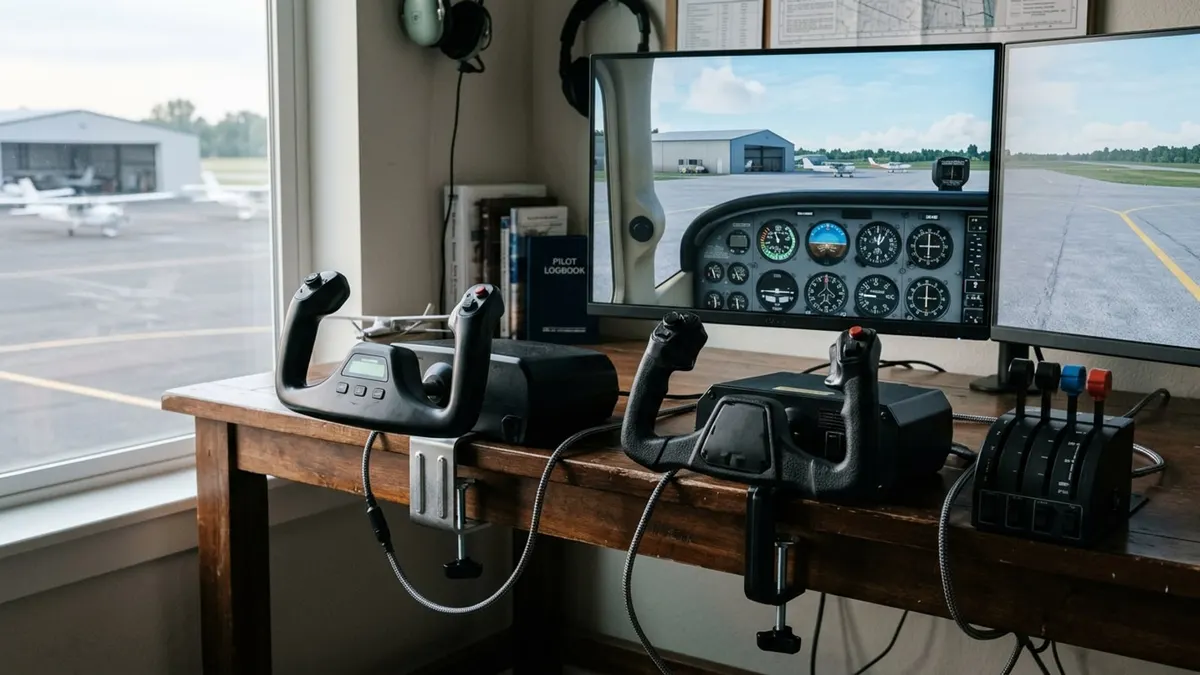
Cover image: Illustration: Aviation Gear Review (AI-generated)
Related guides
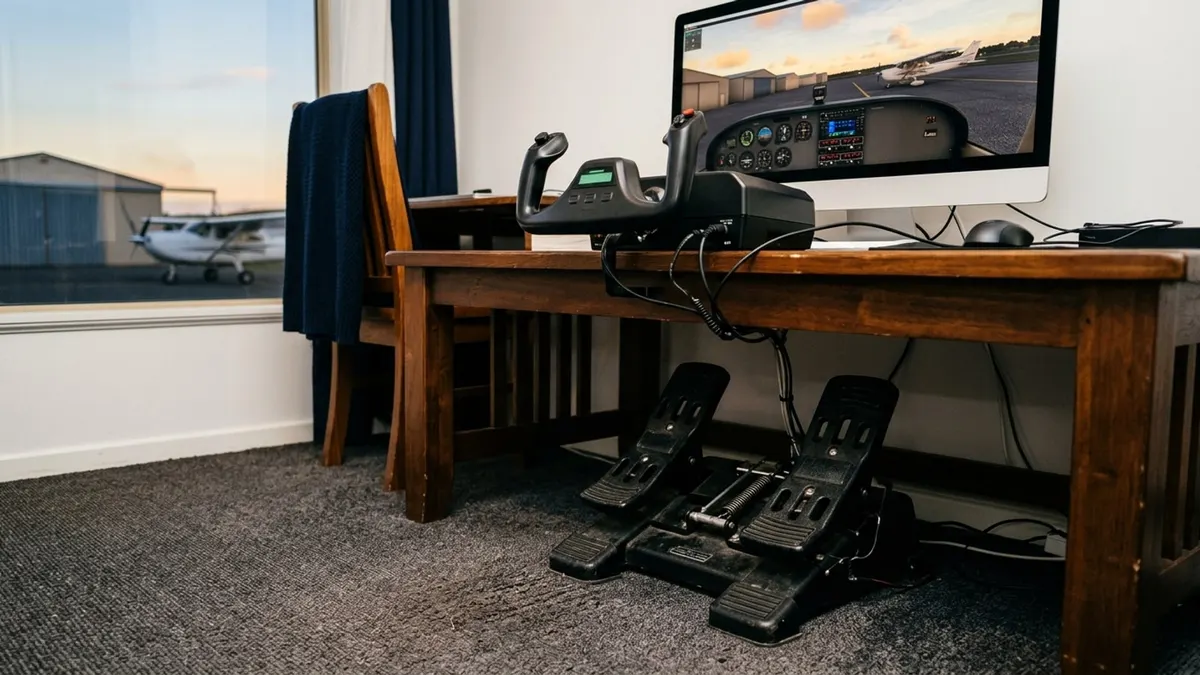
Best Flight Sim Rudder Pedals of 2026: Thrustmaster, Logitech, Honeycomb
Five sets of rudder pedals with toe brakes, from Thrustmaster's sliding TFRP to its pendular TPR, compared on sensors, platform support and adjustment.
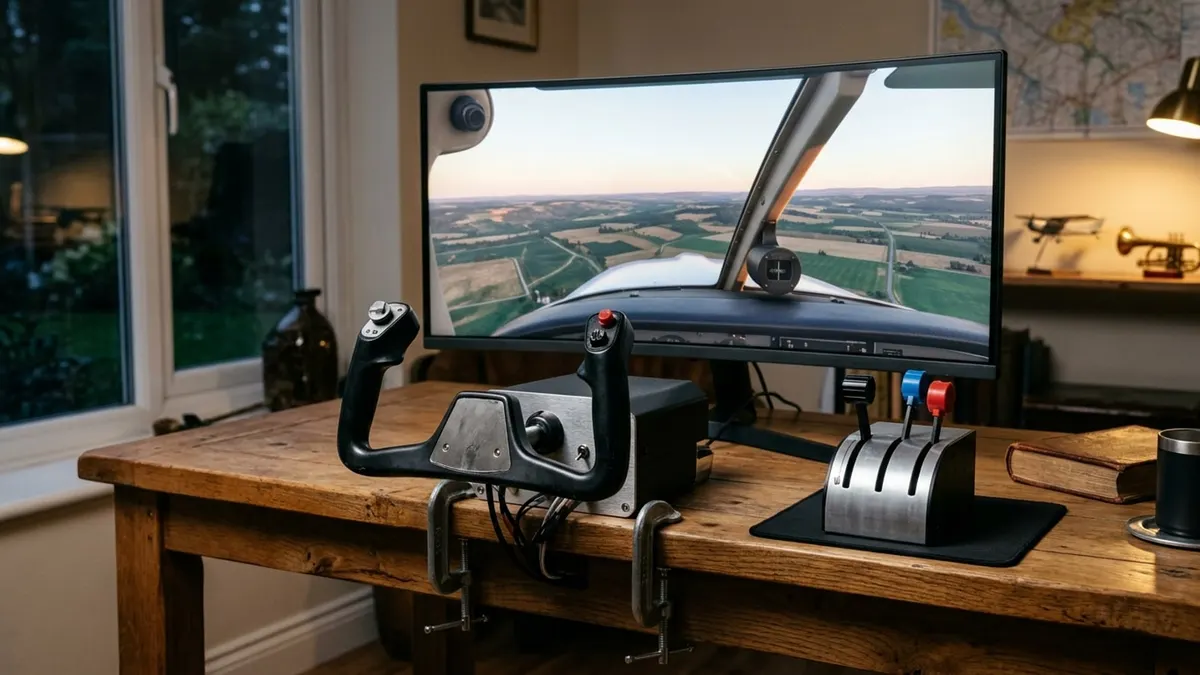
Best Flight Sim Yokes of 2026: Honeycomb, Logitech, Thrustmaster, Turtle Beach
Five yokes for a home simulator compared on rotation, build, switches, platform support and what else you need to buy, from a PC-only LITE to an Xbox all-in-one.
Bose A20 vs A30: What Changed, and Is a Used A20 Still Worth Buying?
The A30 replaced the A20 in 2023. Here is what Bose changed, what stayed the same, and the one case where a used A20 is the better buy.