
Best Flight Sim Yokes of 2026: Honeycomb, Logitech, Thrustmaster, Turtle Beach
The best flight sim yoke for Microsoft Flight Simulator: Honeycomb Alpha and Alpha LITE, Logitech G Pro, Thrustmaster TCA Sky Yoke and Turtle Beach VelocityOne.
Affiliate disclosure: product links on this page go to Amazon or to the maker's own store. As an Amazon Associate we earn from qualifying purchases, at no extra cost to you; links to makers' own stores earn us nothing. No retailer or brand sees our picks before they are published or has any say in them. How we choose.
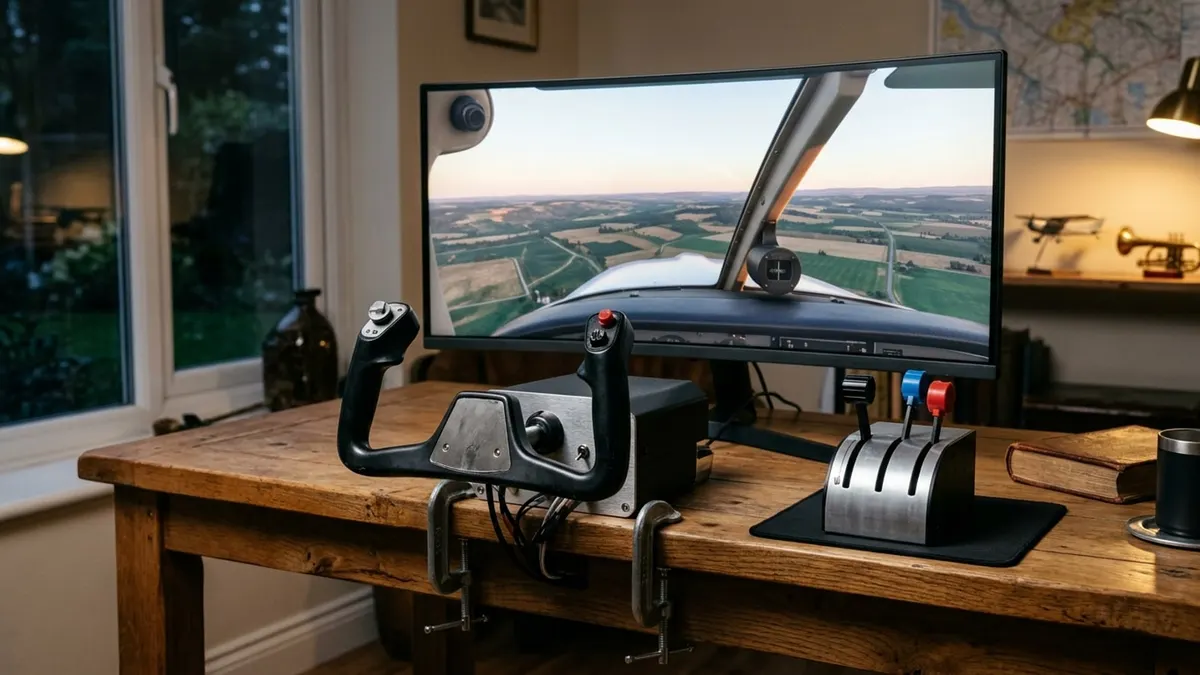
For a PC sim pilot who flies light airplanes, the Honeycomb Alpha is the yoke to buy: Honeycomb lists 180 degrees of rotation, a solid steel shaft on dual linear ball bearings, a damped self-centering mechanism, and a built-in switch panel with master, alternator, avionics and light switches and a five-position ignition switch, at $299.99. It is the closest thing on a desk to a real general aviation yoke.
On Xbox, or if you want one box with yoke, throttle, trim and rudder, the Thrustmaster TCA Sky Yoke and Turtle Beach VelocityOne Flight are the choices. On a budget, the Logitech G Pro Flight Yoke System includes a throttle quadrant and is sold by Amazon.
Our top picks at a glance
1. Best overall
Honeycomb Alpha yoke and switch panelPlatforms: PC and Mac · Rotation: 180 degrees · Included: Yoke, switch panel, clamps · Needs: Throttle quadrant and pedals
2. Best all-in-one for Xbox
Thrustmaster TCA Sky Yoke (Xbox and PC)Platforms: Xbox, PC, iOS, Android · Rotation: Up to 180 degrees, push-pull · Included: Throttle, trim wheel, rudder controls, 7 axes · Needs: Nothing to start
3. Best for Xbox flight decks
Turtle Beach VelocityOne FlightPlatforms: Xbox and Windows PC · Rotation: 180 degrees, Hall effect · Included: Throttle quadrant, trim wheel, rudder/brake controls · Needs: Nothing to start
4. Best budget
Logitech G Pro Flight Yoke SystemPlatforms: Windows PC · Rotation: See Logitech · Included: Yoke, throttle quadrant, 2 clamps · Needs: Optional software for some sims
5. Best cheap Honeycomb
Honeycomb Alpha LITE yokePlatforms: PC (MSFS 2020 and 2024) · Rotation: 180 degrees · Included: Yoke · Needs: Throttle and pedals
| Pick | Platforms | Rotation | Included | Needs | Buy |
|---|---|---|---|---|---|
| Honeycomb Alpha yoke and switch panelBest overall | PC and Mac | 180 degrees | Yoke, switch panel, clamps | Throttle quadrant and pedals | Amazon |
| Thrustmaster TCA Sky Yoke (Xbox and PC)Best all-in-one for Xbox | Xbox, PC, iOS, Android | Up to 180 degrees, push-pull | Throttle, trim wheel, rudder controls, 7 axes | Nothing to start | Amazon |
| Turtle Beach VelocityOne FlightBest for Xbox flight decks | Xbox and Windows PC | 180 degrees, Hall effect | Throttle quadrant, trim wheel, rudder/brake controls | Nothing to start | Amazon |
| Logitech G Pro Flight Yoke SystemBest budget | Windows PC | See Logitech | Yoke, throttle quadrant, 2 clamps | Optional software for some sims | Amazon |
| Honeycomb Alpha LITE yokeBest cheap Honeycomb | PC (MSFS 2020 and 2024) | 180 degrees | Yoke | Throttle and pedals | Amazon |
Best overall
Honeycomb Alpha yoke and switch panel
The most realistic GA-style yoke on a desk, with a real switch panel and ignition key position.
- Platforms
- PC and Mac
- Rotation
- 180 degrees
- Included
- Yoke, switch panel, clamps
- Needs
- Throttle quadrant and pedals
Pros
- Steel shaft on dual linear ball bearings, damped self-centering
- Switch panel with master, alternator, avionics, lights and 5-position ignition
- Red LED backlighting for night flying
- Clamps or a micro-suction pad rated at 40 lb (per the listing)
Cons
- No throttle: pair it with the Honeycomb Bravo or another quadrant
- Not for Xbox in this version
Honeycomb's page lists 180 degrees of rotation, a solid steel shaft with dual linear ball bearings and a damped, self-centering mechanism. The listing adds an 8-way hat, rocker switches, three buttons and a push-to-talk button on the handles, and two heavy-duty clamps or a micro-suction pad. The switch panel is what sets it apart: flipping a real master and turning a real key makes the preflight flow you learn in a trainer feel natural.
It has no throttle, so budget for one, such as Honeycomb's Bravo throttle quadrant with autopilot buttons, annunciator, trim wheel, gear and flaps. For a cheaper Honeycomb, the Alpha LITE keeps the 180-degree self-centering yoke and drops the switch panel, with a two-year warranty, for PC.
Best all-in-one for Xbox
Thrustmaster TCA Sky Yoke (Xbox and PC)
Yoke, throttle, trim wheel and rudder controls in one unit, recognized automatically on Xbox and PC.
- Platforms
- Xbox, PC, iOS, Android
- Rotation
- Up to 180 degrees, push-pull
- Included
- Throttle, trim wheel, rudder controls, 7 axes
- Needs
- Nothing to start
Pros
- Seven Hall effect axes at 16-bit resolution (per the listing)
- 24 action buttons
- Two units can connect for instructor and student (Dual Control)
Cons
- One-year warranty (per the listing)
- Built-in rudder control is not a substitute for pedals
Thrustmaster's listing describes a yoke that pushes and pulls for pitch and rotates up to 180 degrees, with a throttle, trim wheel and rudder controls built in, seven axes on Hall effect sensors at 16-bit resolution, 24 buttons, and automatic recognition in Microsoft Flight Simulator 2024. Its Dual Control mode links two units for instructor and student. Add Thrustmaster's TFRP pedals later; see the rudder pedal guide.
Best for Xbox flight decks
Turtle Beach VelocityOne Flight
A yoke, modular throttle quadrant, trim wheel and rudder controls with a color setup display.
- Platforms
- Xbox and Windows PC
- Rotation
- 180 degrees, Hall effect
- Included
- Throttle quadrant, trim wheel, rudder/brake controls
- Needs
- Nothing to start
Pros
- 12 analog axes, two POV switches and two 4-way hats (per the listing)
- Modular throttle quadrant with swappable lever handles
- Full-color flight management display for setup
Cons
- The most expensive pick
- Large desk footprint
Turtle Beach's VelocityOne Flight is an all-in-one: a 180-degree Hall effect yoke, a modular throttle quadrant with customizable handles, a dedicated pitch trim wheel, integrated rudder and brake controls, a full-color display for configuration and an annunciator-style status panel on PC, per the listing. It suits Xbox players who want airliner-style throttles without building a cockpit.
Best budget
Logitech G Pro Flight Yoke System
A yoke with a stainless steel shaft and a three-lever throttle quadrant in the box, sold by Amazon.
- Platforms
- Windows PC
- Rotation
- See Logitech
- Included
- Yoke, throttle quadrant, 2 clamps
- Needs
- Optional software for some sims
Pros
- Throttle quadrant included
- Stainless steel yoke shaft
- Two-year warranty (per the listing)
Cons
- PC only
- An older design than the Honeycomb and Thrustmaster yokes
Logitech's G Pro Flight Yoke System includes the yoke with a stainless steel shaft, a POV hat, 14 buttons and a three-position mode switch, plus a separate throttle quadrant and two desk clamps, per the listing. It works on Windows and needs Logitech's optional software for some simulators. It is the cheapest way to get a yoke and throttle together.
Best cheap Honeycomb
Honeycomb Alpha LITE yoke
Honeycomb's 180-degree self-centering yoke without the switch panel, for PC and VR flyers.
- Platforms
- PC (MSFS 2020 and 2024)
- Rotation
- 180 degrees
- Included
- Yoke
- Needs
- Throttle and pedals
Pros
- Self-centering, minimal center dead zone
- Two-year warranty (per the listing)
Cons
- No switch panel
- Fewer buttons than the full Alpha
The Alpha LITE keeps Honeycomb's 180-degree self-centering yoke with a POV switch, rockers and four programmable buttons, and drops the switch panel, per the listing. Honeycomb aims it at entry-level, VR and cockpit-builder customers who mount their own switches.
How we chose
We compared yokes on what makes them useful for practicing real flying: rotation and pitch travel, how smoothly they center, the build, the switches you can reach, which platforms they support, and what else you must buy (a throttle, rudder pedals). Specs come from Honeycomb's product page and the makers' listings, labeled.
What to look for
Platform
Honeycomb's Alpha and Logitech's G Pro are PC yokes; the Thrustmaster TCA Sky Yoke and Turtle Beach VelocityOne work on Xbox and PC. Check before you buy.
Yoke or all-in-one
A standalone yoke (Honeycomb) needs a throttle and pedals to be complete, but each piece is better. All-in-ones (Thrustmaster TCA Sky Yoke, VelocityOne Flight) put throttle and rudder control in one unit to start with.
Rotation and centering
The picks here all rotate 180 degrees in total. Smooth, damped centering with a small dead zone makes trimmed flight easier to hold.
Mounting
A yoke needs a solid desk and a firm clamp. Honeycomb includes clamps and a suction pad option; Logitech includes two clamps.
The makers' own numbers
| Yoke | Figures | Source |
|---|---|---|
| Honeycomb Alpha | 180° rotation; steel shaft on dual linear ball bearings; 4.769 kg (10.51 lb); PC and Mac; 2-year limited warranty | Honeycomb's page |
| Logitech Flight Yoke System | Five axes in all; stainless steel shaft with precision bearings; 25 programmable buttons and switch positions across yoke and quadrant | Logitech's page |
| Thrustmaster TCA Sky Yoke | Seven Hall effect axes at 16-bit resolution; 24 buttons | Amazon listing |
| Turtle Beach VelocityOne Flight | 12 analog axes; 180° Hall effect yoke | Amazon listing |
Two details on Logitech's page are easy to miss. Every yoke system includes one throttle quadrant with detachable, programmable levers, and extra quadrants are sold separately for multi-engine setups. A three-position mode switch on the yoke multiplies what each button can do. Honeycomb's page puts numbers on the Alpha's handles: an 8-way hat, vertical and horizontal rocker switches, three buttons and a push-to-talk button.
Sixteen bits is 65,536 positions per axis (our arithmetic), far finer than a hand can place a yoke; what you feel is the mechanism, meaning the bearings, the damping and the dead zone at center, not the sensor. Warranty terms differ: two years on the Alpha, per Honeycomb, and on the Logitech, per its listing, against one year on the TCA Sky Yoke, per its listing.
What the desk needs
You pull on a yoke, so the desk must not move. The Alpha's 10.5 pounds and its two clamps, or the suction pad, are how it stays put. Before ordering any yoke, measure the thickness of your desktop against the clamp, and leave room behind the unit for the shaft's travel and the cables.
Does home sim time count?
Not for currency. 14 CFR 61.57(c)(2) lets instrument currency tasks be flown in a full flight simulator, flight training device or aviation training device that represents the aircraft category; those are FAA-qualified or approved devices, and a desktop yoke setup is not one. Use a home sim to practice procedures, flows and radio work, and log nothing.
Build a full setup
- Rudder pedals: see the best flight sim rudder pedals.
- Honeycomb or Logitech? See Honeycomb Alpha vs Logitech G Pro.
- A real aviation headset works on a PC with an adapter, but most sim pilots use a gaming headset; save the aviation headset for the airplane.
Frequently asked questions
What is the best flight sim yoke?
The Honeycomb Alpha for PC: 180-degree rotation, a steel shaft on dual linear ball bearings, damped self-centering and a switch panel with a 5-position ignition switch, at $299.99 from Honeycomb.
What is the best flight sim yoke for Xbox?
The Thrustmaster TCA Sky Yoke (yoke, throttle, trim and rudder controls in one) or the Turtle Beach VelocityOne Flight (yoke with a modular throttle quadrant and display).
Do I need rudder pedals for a flight sim?
For realistic takeoffs, crosswind landings and coordinated turns, yes. All-in-one yokes have twist or rocker rudder controls to start with.
Does the Honeycomb Alpha include a throttle?
No. It includes the yoke and a switch panel. Honeycomb sells the Bravo throttle quadrant separately.
Is the Logitech G Pro yoke still worth buying?
As a budget PC option, yes: it includes a throttle quadrant and two clamps. Its design is older than Honeycomb's and Thrustmaster's.
Sources
- Alpha Flight Controls, Honeycomb Aeronautical
- 14 CFR 61.57, Recent flight experience: Pilot in command, Legal Information Institute
- Flight Yoke System, Logitech G
Cover image: Illustration: Aviation Gear Review (AI-generated)
Related guides
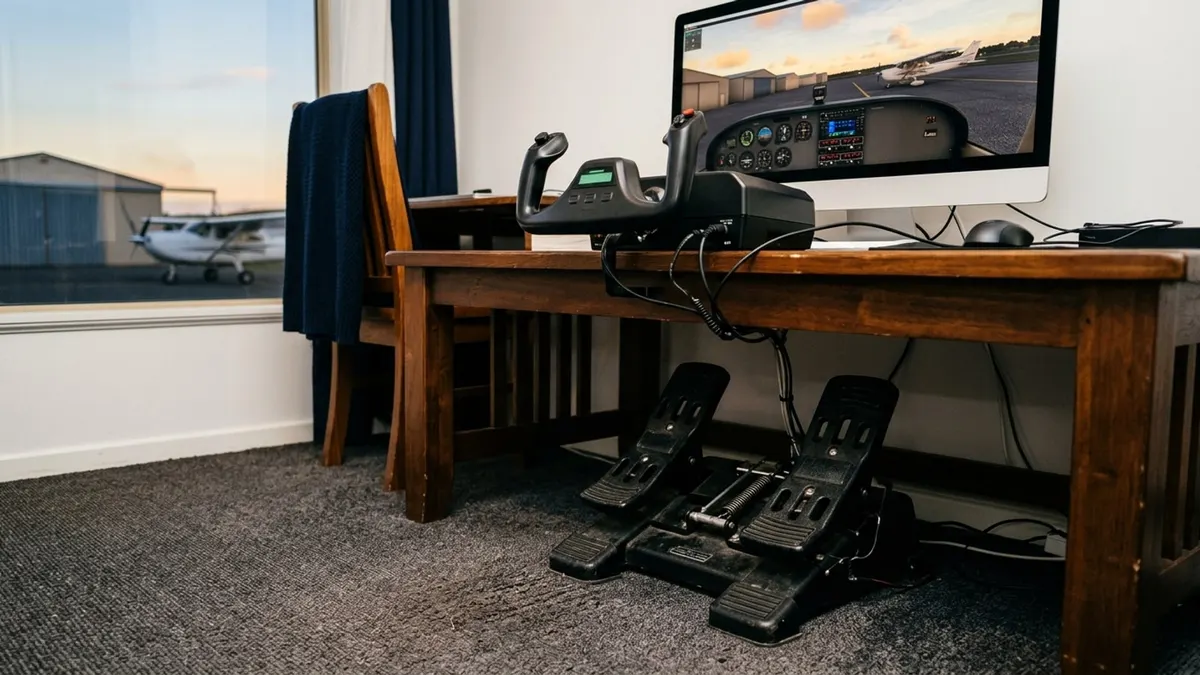
Best Flight Sim Rudder Pedals of 2026: Thrustmaster, Logitech, Honeycomb
Five sets of rudder pedals with toe brakes, from Thrustmaster's sliding TFRP to its pendular TPR, compared on sensors, platform support and adjustment.
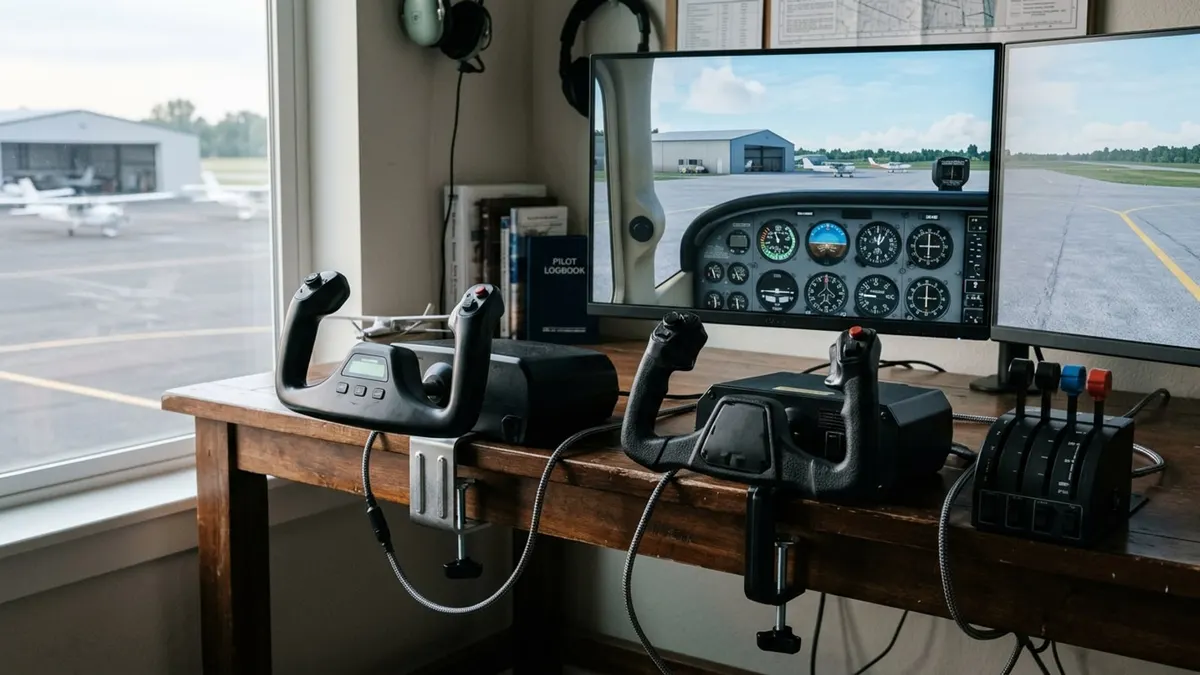
Honeycomb Alpha vs Logitech G Pro Flight Yoke: Which Sim Yoke to Buy
The Honeycomb is the better yoke; the Logitech is the cheaper complete kit. Here is the difference, line by line.
ADS-B In vs ADS-B Out: What the Rule Requires and What a Portable Receiver Does
ADS-B Out is the transmitter the 2020 rule requires; ADS-B In is the receiver that shows you traffic and weather. Here is the rule, the airspace and the two frequencies.